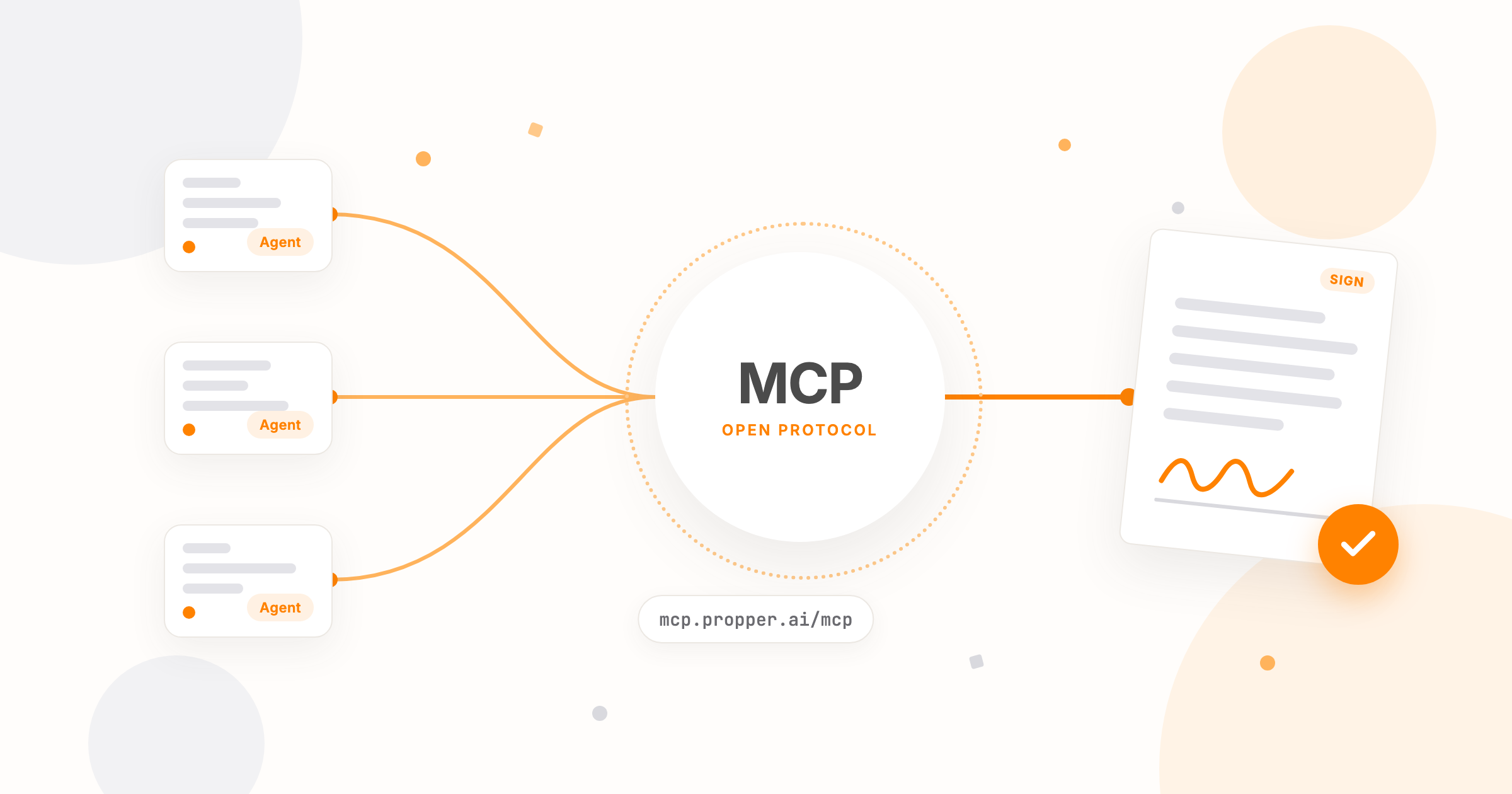
Your AI assistant already drafts your emails and summarizes your meetings. Now it can work your agreements too.
The Model Context Protocol (MCP) has been part of Propper since March. What's changed is how you reach it: the Propper® MCP server is now a connector you add with a URL. Point Claude, Cursor, or any other MCP client at it, and just ask: what's waiting on a signature? Send the standard NDA to that new vendor. What do our contracts say about termination? The assistant does the work inside Propper, under permissions you approved, and every action shows up in your account the same way yours does.
The Propper engineering team built it on the open MCP standard, so it works with the assistant you already use rather than one more you have to adopt. It covers the agreement lifecycle end to end, it runs on the same audited infrastructure as the rest of Propper, and it's included with API access.
What your assistant can do once it's connected
MCP lets an AI assistant call tools in another system with your permission. The Propper MCP server turns the whole agreement lifecycle in Propper Sign into those tools, not a read-only slice of it:
- Agreements. List, search, and read status. Create a draft from scratch or from a template, edit it, send it, void it, delete it.
- Recipients. Add or remove a signer, reviewer, or CC recipient.
- Documents and fields. Upload a PDF or Word file, get a download link, place signature, text, and date fields.
- Templates. List, inspect, import, and export, so a template migration can run from a conversation.
- Organization. Read your organization profile and list members and their roles.
- Document questions. Ask about your stored documents and get an answer with citations, through Propper Locker AI. Locker's AI features are in private beta, so it's limited to organizations in that program.
What that looks like on a Tuesday
Three prompts, and what happens behind each one:
Give me a status report on every in-progress agreement. Flag anything that's been waiting on a signature for more than five days.
The assistant checks recipient progress on every sent agreement and hands back a follow-up list with names and email addresses. No dashboard, no export.
Create a Master Services Agreement from my MSA template, add pat@example.com as client signer and me as internal signer, put signature and date fields on the last page, and hold it for my review.
The draft gets built, both recipients added with the right roles, the fields placed, and it waits in your drafts until you say send.
What are the payment terms in our agreement with Acme, and are there any late fees?
With Locker AI, the assistant reads the signed agreement in your repository and answers with the clause and the document it came from.
What it costs
Nothing extra. The MCP server is part of API access, included on Business plans. There's no per-seat fee for connecting an assistant, and a document your assistant sends costs the same as one you send yourself. You pay per completed document, not per send, with no usage credits and no automation surcharge.
Not on Propper yet? The Business plan is free for 14 days with no credit card, and includes unlimited users and full API access.
Permissions you can read in a sentence
An assistant that can reach your agreements can send, void, and delete them, so the permission model matters more than the tool list.
The Propper MCP server uses OAuth 2.0 with PKCE (Proof Key for Code Exchange), the authorization flow the current MCP specification describes. You connect a client, sign in, and approve a specific list of scopes: reading, creating and editing drafts, sending, and a separate admin scope for voiding and deleting. An assistant that only answers "what's waiting on me?" never needs the ability to send anything.
- Admins control the clients. Connected clients are managed in Settings under AI Tools, where you can also create one by hand for a tool that needs its own credentials. People who belong to more than one organization pick which one to connect.
- Actions run as the person who connected. Every tool call uses your token, under your organization, so an assistant's work shows up in Propper the same way yours does.
- Requests are rate limited per organization, so a runaway loop gets throttled instead of hammering your account.
- Data is encrypted with AES-256 at rest and TLS 1.2+ in transit, on the same infrastructure covered by our SOC 2 Type II audit.
Nothing about the security posture changes when an assistant is the one doing the work. Propper Sign is built to satisfy the ESIGN Act and UETA, the platform is SOC 2 Type II audited by an independent CPA firm, and Propper is HIPAA Ready with a BAA available on request. The security page has the full posture.
Scopes are the floor, not the ceiling. The setup guide says it too: keep a human in the loop for anything that writes.
Three decisions we made early
I took this on as a project in March 2026, and three calls the team made in those first weeks are the ones you feel when you use it.
Build on the open standard, not a connector of our own. A proprietary integration would have shipped sooner and worked with exactly one assistant. Building on MCP means the server works with clients that didn't exist when we started, and with whatever you move to next.
Split the scopes along the lifecycle, not the API. One token that could do everything the API can do would have been less work. Instead, reading, drafting, sending, and destructive actions are four separate grants, so "tell me what's waiting on me" and "send this contract" are never the same permission. Voiding and deleting sit behind their own admin scope.
Keep a person's name on every action. A service account would have been simpler to build, and it would have made every audit entry look identical. Every tool call carries the token of the person who connected instead, so the audit trail still names a person.
What we deliberately left out
There is no tool that applies your signature. The server drafts, sends, tracks, and answers questions, and signing stays with the person whose signature it is. That was not an oversight we plan to correct.
The same thinking runs through the rest of it. Write access is opt-in per scope, approval prompts are a client setting we ask you to leave on, and destructive actions are separated from everyday ones. An assistant that moves an agreement forward is useful. One that can finish it without you is a liability.
Five things to do in your first week
- Start read-only. See what the assistant gets right before it can change anything.
- Grant send to the people who send. Whoever drafts contracts and whoever approves them are often different people. Scopes let you reflect that.
- Approve every write. Keep tool approval on for creates, sends, voids, and deletes, so a person sees the action before it happens.
- Read the audit trail. After a test run, confirm every action is attributed the way you expect.
- Try to break it. Ask for something it shouldn't be allowed to do, and check that a scope refusal comes back.
Connect it in a few minutes
All you need is the server address. When this shipped in March you created an OAuth client by hand; the server now registers the client for you, so there's nothing to create, no key to paste, and nothing to install.
- In Claude, open Settings, then Connectors, and add a connector. Organization admins can add it once for everyone from admin settings.
- Name it Propper and enter
https://mcp.propper.ai/mcpas the URL. Keep the/mcppath: that exact address is what the server publishes as its resource. - Leave the OAuth client ID and secret blank. The server supports dynamic client registration, so it hands those out itself.
- Sign in to Propper in the browser window that opens, and approve the scopes you want to grant.
- Ask: "Show me everything waiting on a signature."
Any other MCP client works the same way: point it at the same URL and sign in. If your Claude organization uses single sign-on, admins can connect members through your identity provider instead of per-person browser sign-in, and cap which permission level members are allowed to grant for each tool.
The full walkthrough is in the Propper MCP server setup guide, and the Claude integration page covers what the connector does.
What's next
The tool surface keeps growing, and customer feedback drives what lands first. If something you need is missing, tell us. That goes straight to the team building it.
Bring your assistant to your agreements. Start your free trial and connect it on a Business plan today, or book a demo and we'll walk an assistant through drafting, sending, and tracking an agreement with you.
Propper® is a registered trademark of PropperDocs, Inc.